Everything your camera
advisor should do.

One workflow that turns your gear and the light you're standing in into a complete, camera-specific settings recipe, with the tools to fine-tune it and learn as you go.

Not just exposure. The whole card.

Most tools stop at a shutter and aperture. Shutr Scout hands you every setting that makes the shot, tuned to your exact camera, lens, and the metered light.

Exposure
Camera mode
Exposure
Shutter speed
Exposure
Aperture
Exposure
ISO
Focus
Autofocus mode
Focus
AF area
Focus
Drive mode
Image
White balance
Image
File format
Image
Metering
Image
Stabilization
Reading
EV reading

Plus a confidence score, the assumptions behind the recipe, and an EV recommendation, so you always know why.

Your camera and lens, not a generic body.

170+ camera bodies, structured lens entry for primes and zooms, and automatic handling for built-in-lens compacts, DJI drones, and iPhone. Enter your gear once and it's remembered. The recipe adapts to your real focal length and widest available aperture.
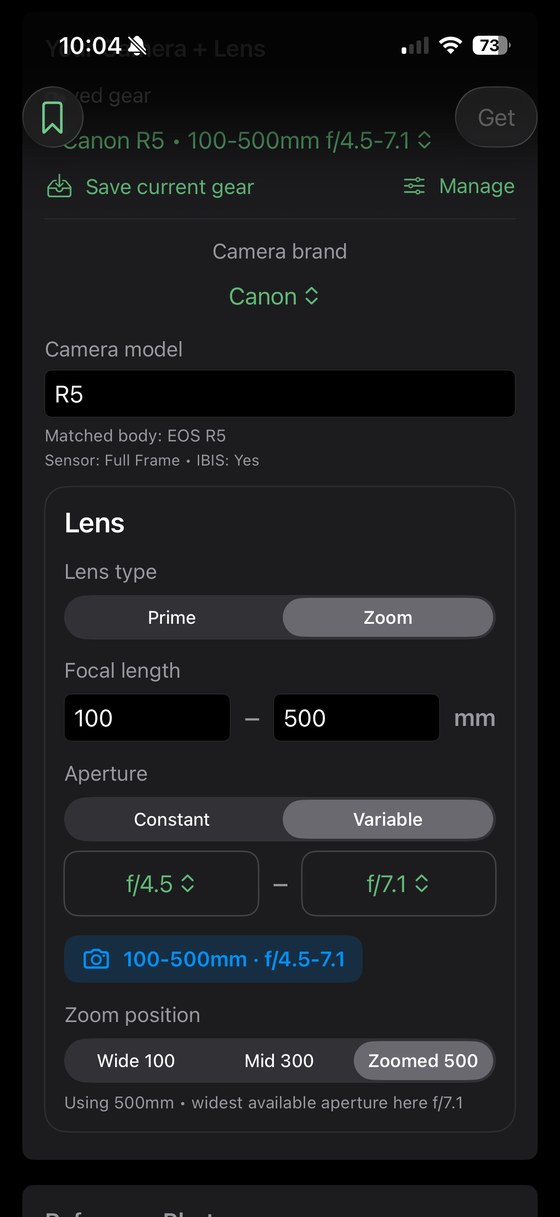
Shutr Scout structured lens entry
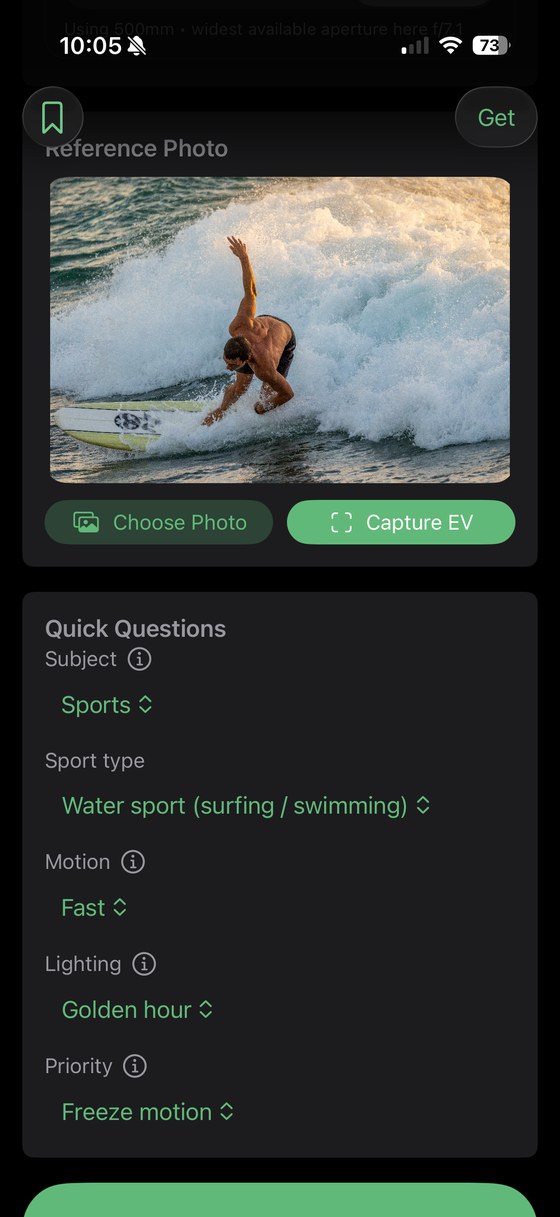
Shutr Scout reference photo and quick questions

The actual light, not "sunny" or "night."

Measure the light where you stand with a quick reading, or pull it from a reference photo. Answer four quick questions (subject, motion, lighting, and what matters most), and Shutr Scout does the rest, in the moment.

Stills and video, one toggle.

Complete settings for photos and video, plus settings tuned for DJI drones, fixed or variable-aperture. Save your setups, share the settings card, and glance at the recommendation live on your Apple Watch.
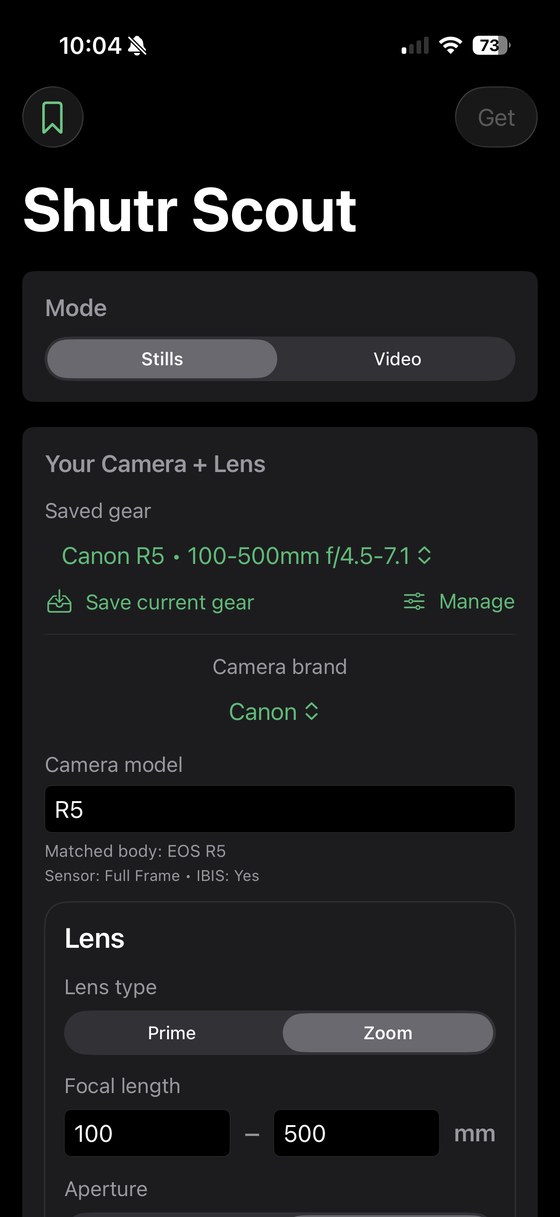
Shutr Scout gear and mode screen

Your settings, live on your Apple Watch.

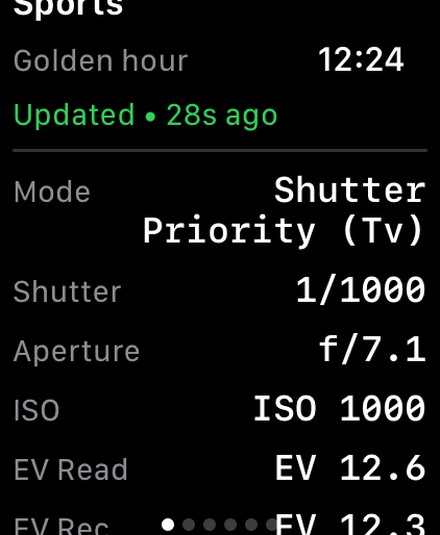
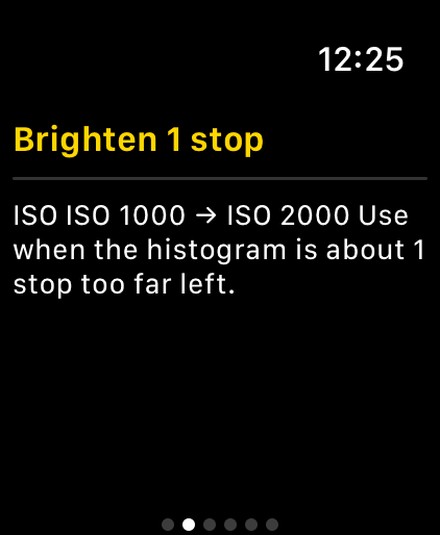
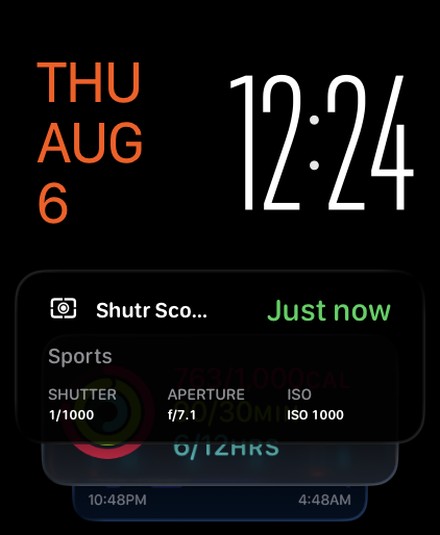
Generate a recommendation on your phone and it lands on your wrist instantly. Glance at the Smart Stack, open the full recipe, and tap through the Quick Fixes without taking the phone back out.

Shutr Scout recommendation in the Apple Watch Smart Stack
Smart StackGlance at your wrist.
Shutr Scout full recommendation on Apple Watch
The full recipeEvery setting, on the watch.
A Quick Fix on Apple Watch
Quick FixesAdjust without the phone.

Built for the whole shoot.

Quick Fixes

One-tap brighten or darken that preserve your look: freeze motion, low noise, motion blur, shallow depth of field, and more.

Understand your photo

Histogram guidance so you can read exposure in the moment, fix it fast, and protect your highlights.

Stills & video

Complete settings for both on one toggle, with the shutter-angle and ND thinking video needs.

🛩

DJI drones

Settings tuned to fixed and variable-aperture drones, the white space most camera apps ignore.

Apple Watch

Recommendations appear live on your wrist and in the Smart Stack. Glance, dial in, put the phone away.

🖫

Save & Share

Keep your setups and share the settings card; cached explainers open instantly, even offline.

Learn More

Optional AI explainers and composition tips when you're ready to learn. (Uses the internet.)

Every subject

Sports and sub-types, astro, moon, fireworks, long-exposure, portraits, landscapes, and events.

Confidence & assumptions

Every card shows how confident the engine is and the assumptions it made, so you can trust it and adjust.

Trustworthy settings, not a chatbot's guess.

Your recipe comes from a calibrated exposure engine built on real photographic rules. The same inputs always give the same reliable answer, instantly, on your device, there's nothing to hallucinate. It's not an AI guessing. (The optional Learn More explainers do use AI, see below.)

Why it's not an AI chatbot →

Every setting, explained, plus composition tips.

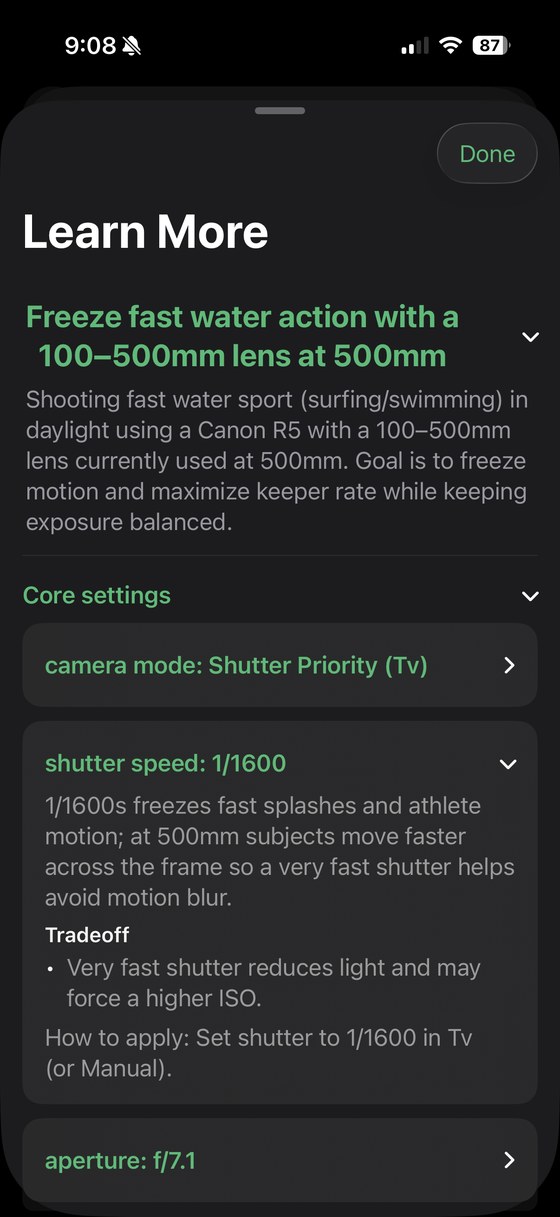
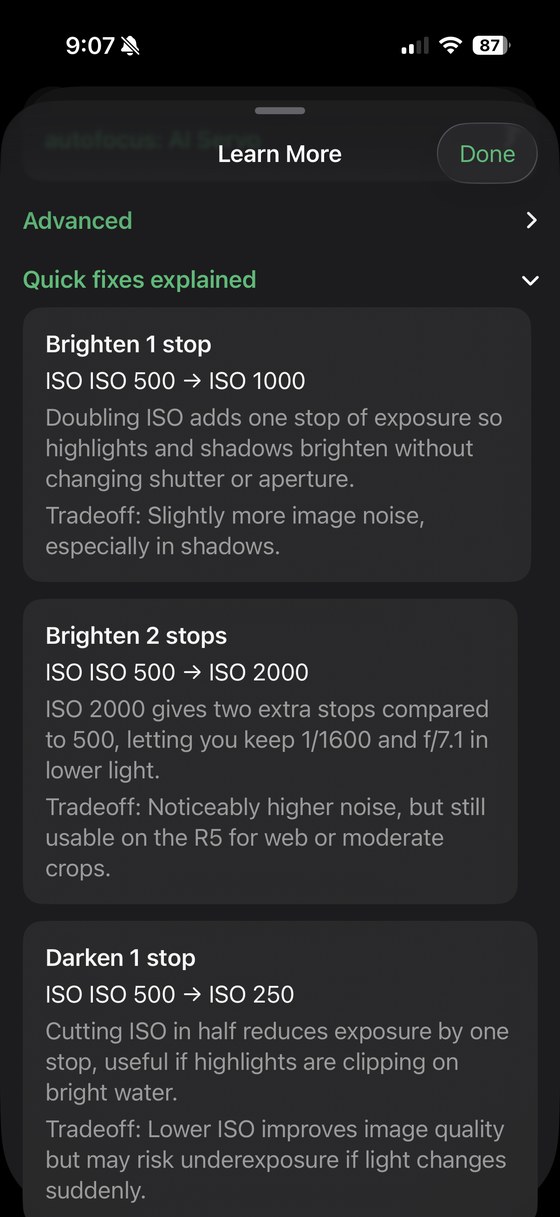
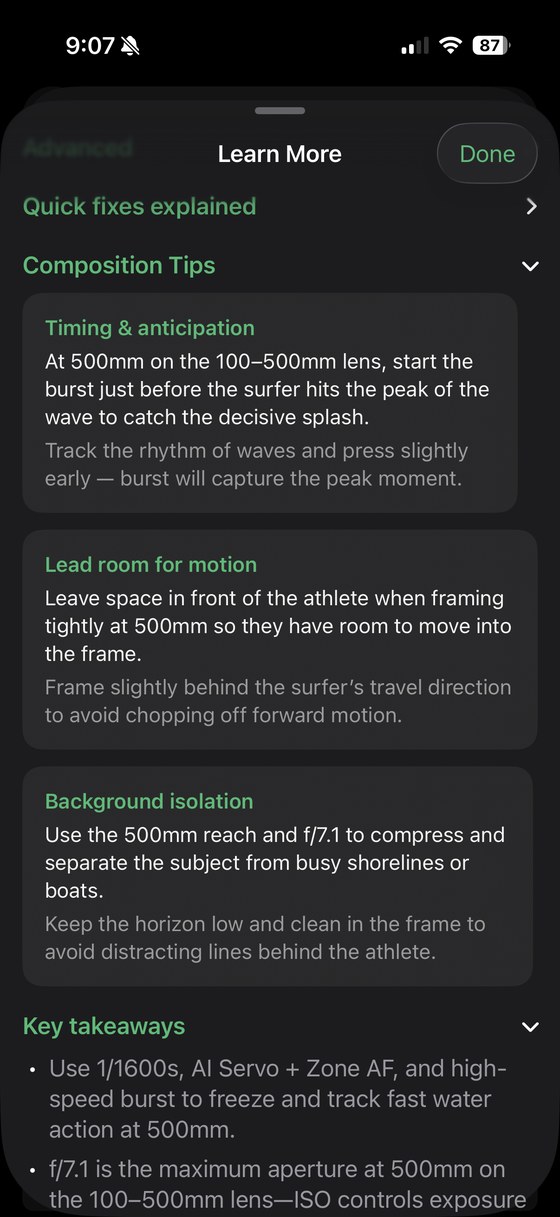
When you want to understand the shot, Learn More explains why each setting was chosen and its trade-offs, breaks down the Quick Fixes, and adds real composition tips for the scene, timing the wave, leaving lead room, isolating your subject. Your first 10 are free.

Learn More explaining the shutter speed setting
Every setting, explainedThe why behind it, and the trade-offs.
Quick Fixes explained in Learn More
Quick Fixes explainedWhat each adjustment does.
Composition tips in Learn More
Composition tipsNot just settings, the shot.

Learn More uses AI and the internet; the settings engine does not. See pricing.

On-device. Offline. Yours.

The recommendation engine runs entirely on your device, no account, no signal, no waiting, and nothing to leak. The one part that uses the internet is the optional Learn More explainers, and we always say so plainly.

See it on your own gear.

Join the waitlist for early access and launch updates.

Get Early Access